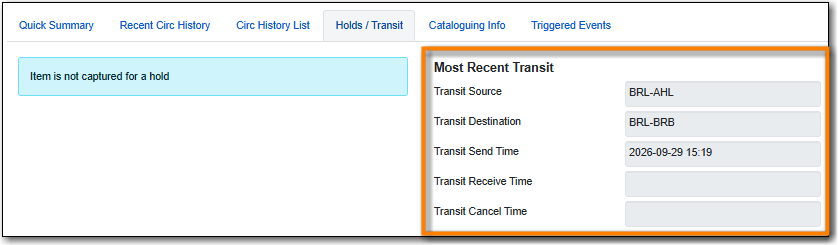
Transit dates, source, and destination can be viewed through Item Status.
- Go to Circulation → Item Status and scan the item barcode, or click on item barcode hyperlink to load the item in the Item Status screen.
Click Detail View.
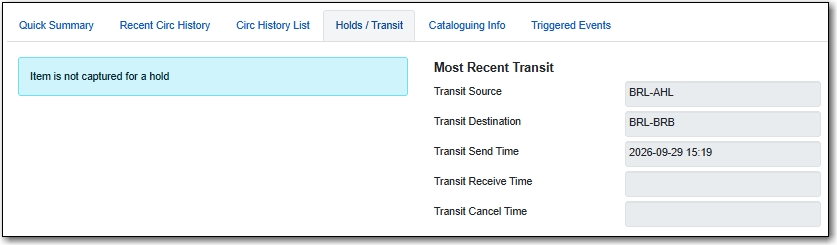
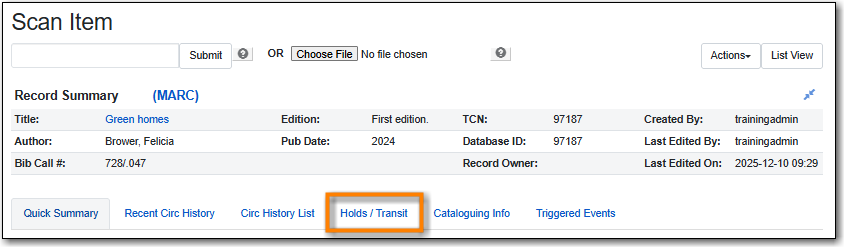
Select the Holds/Transit tab.
Transit information for the most recent transit is displayed on the right side of the screen.