Found under Shared Folders → Templates → Sitka_templates → Collection → Others.
Recommended Recurrence Interval: None, run as needed
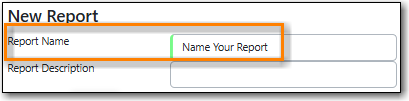
Enter a descriptive name.
On the Filters tab, enter values for the filters.
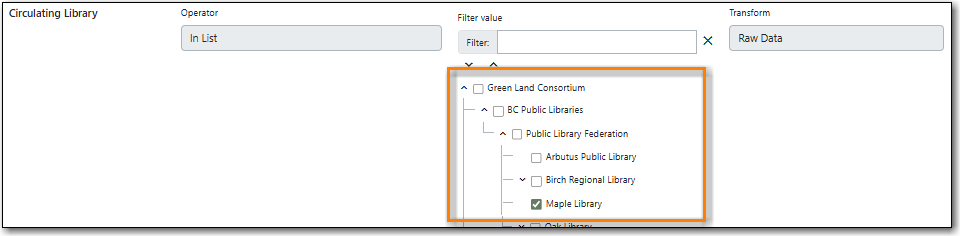
Circulating Library = select your library.
Checkout Date/Time = enter the time period you would like to report on. The earliest date goes first.

Circ ID = enter a number for the circulation threshold. Your output will only include items that have circulated more times than your threshold. If nothing is included in your output try lowering the threshold.

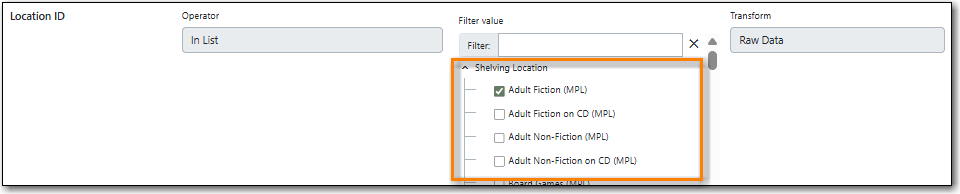
Location ID = add the shelving location(s) you want included in your report.
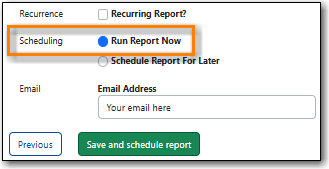
On the Layout and Scheduling tab, ensure the box is checked for Run Report Now.